
Description
Product Overview
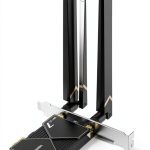
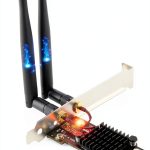
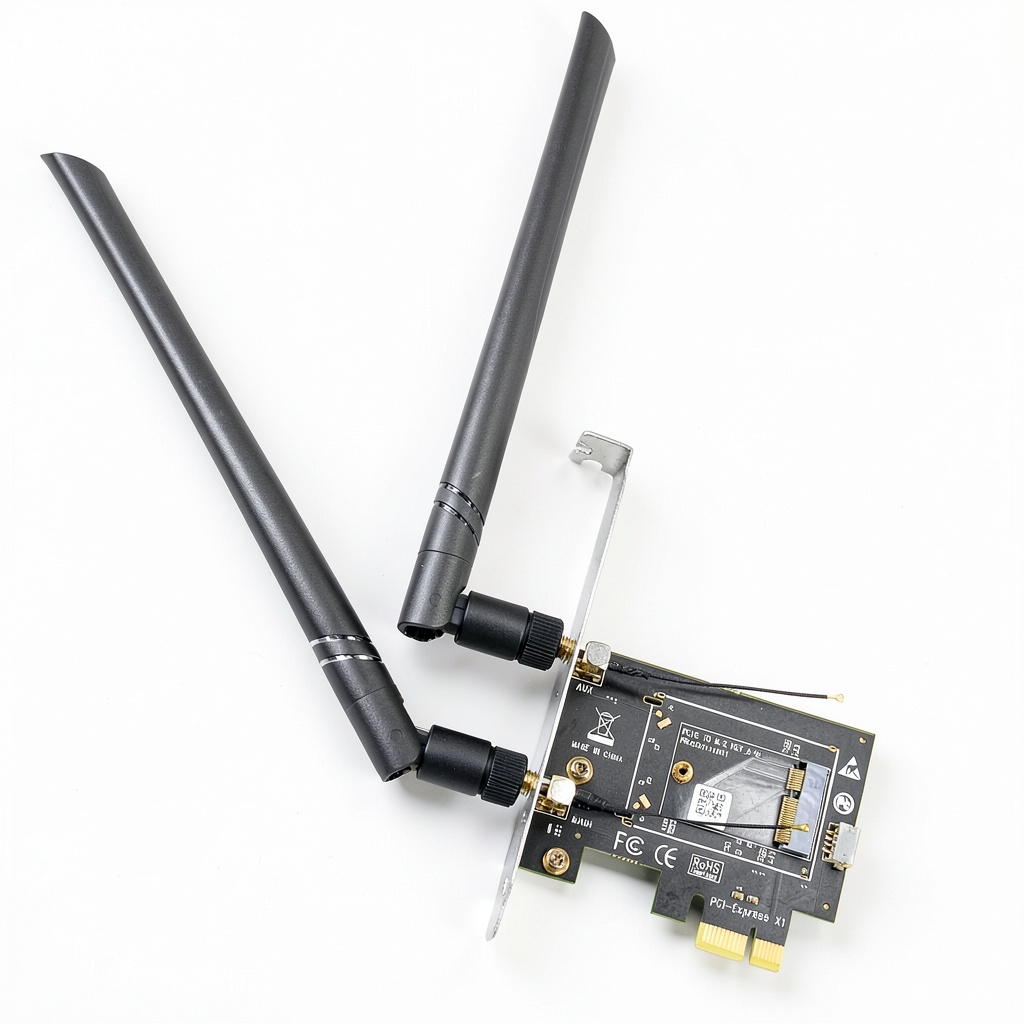
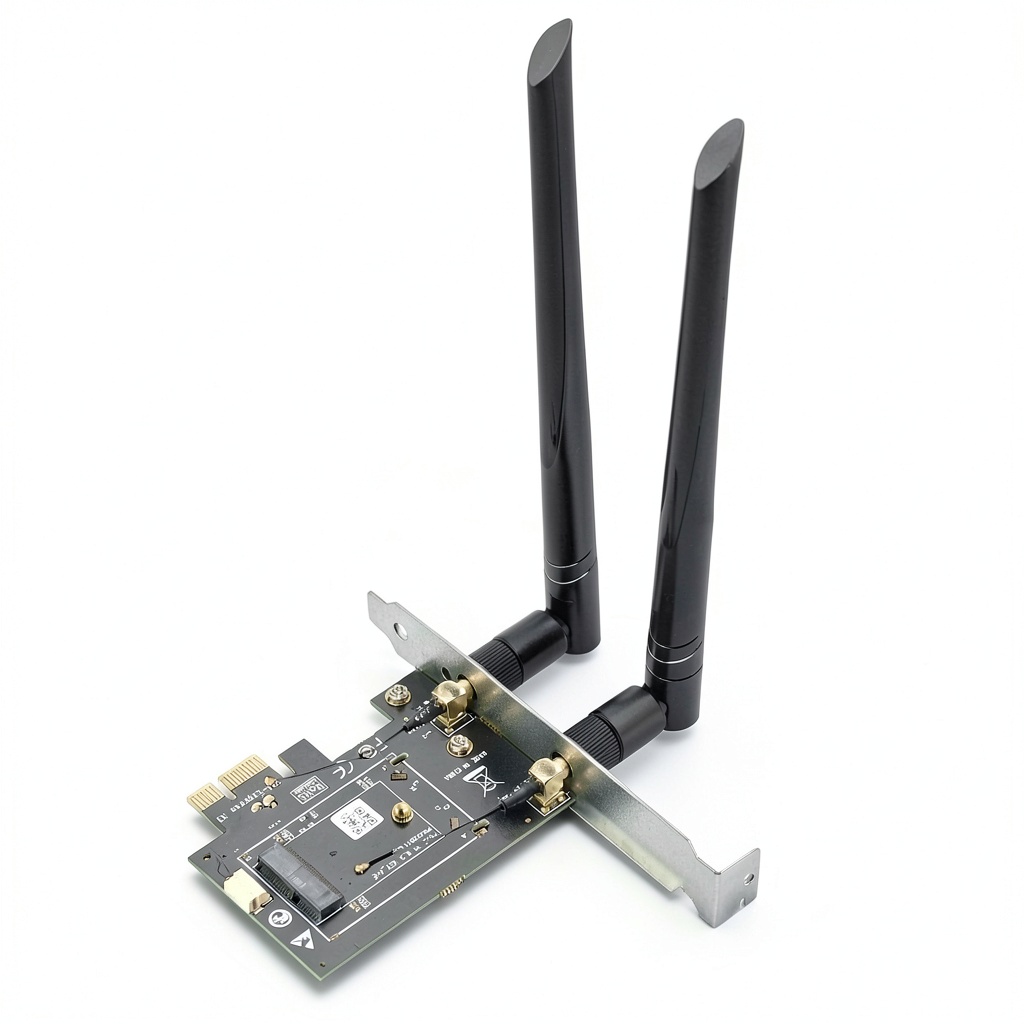
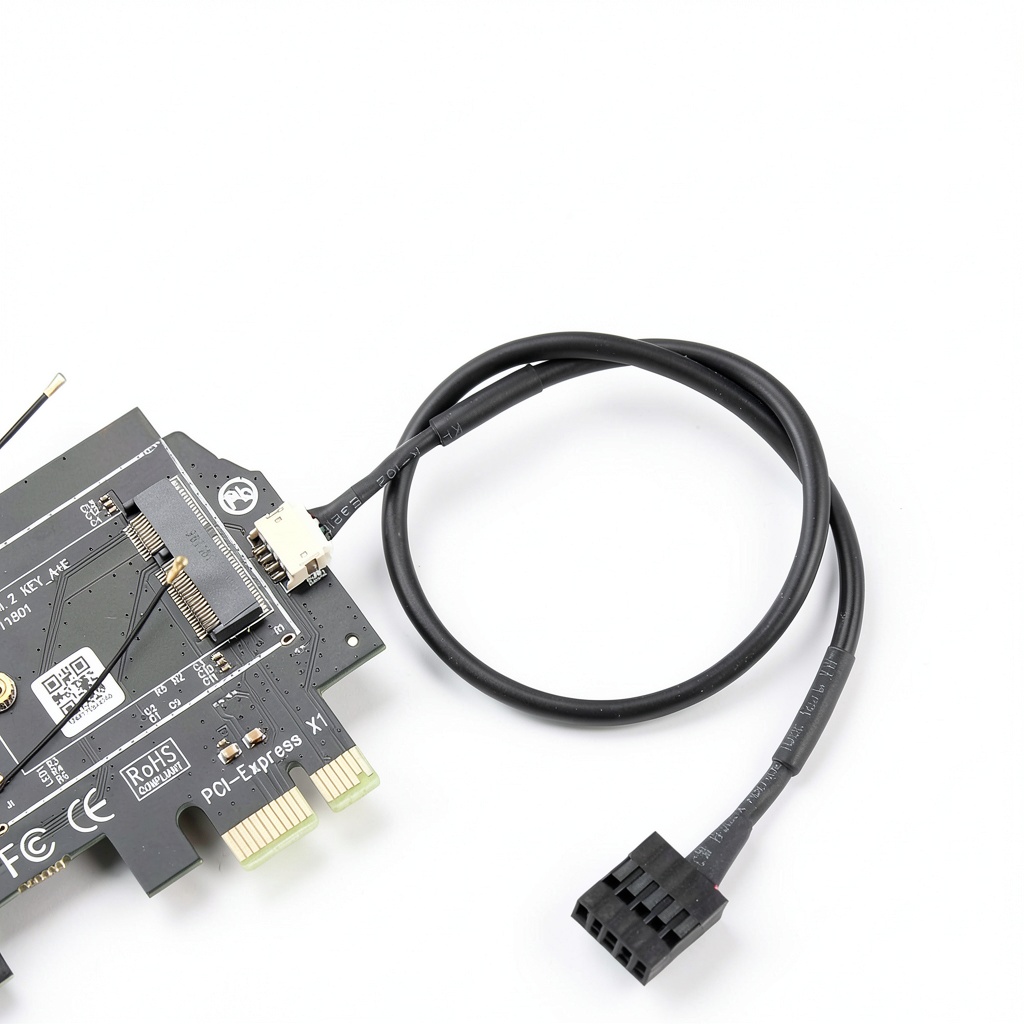
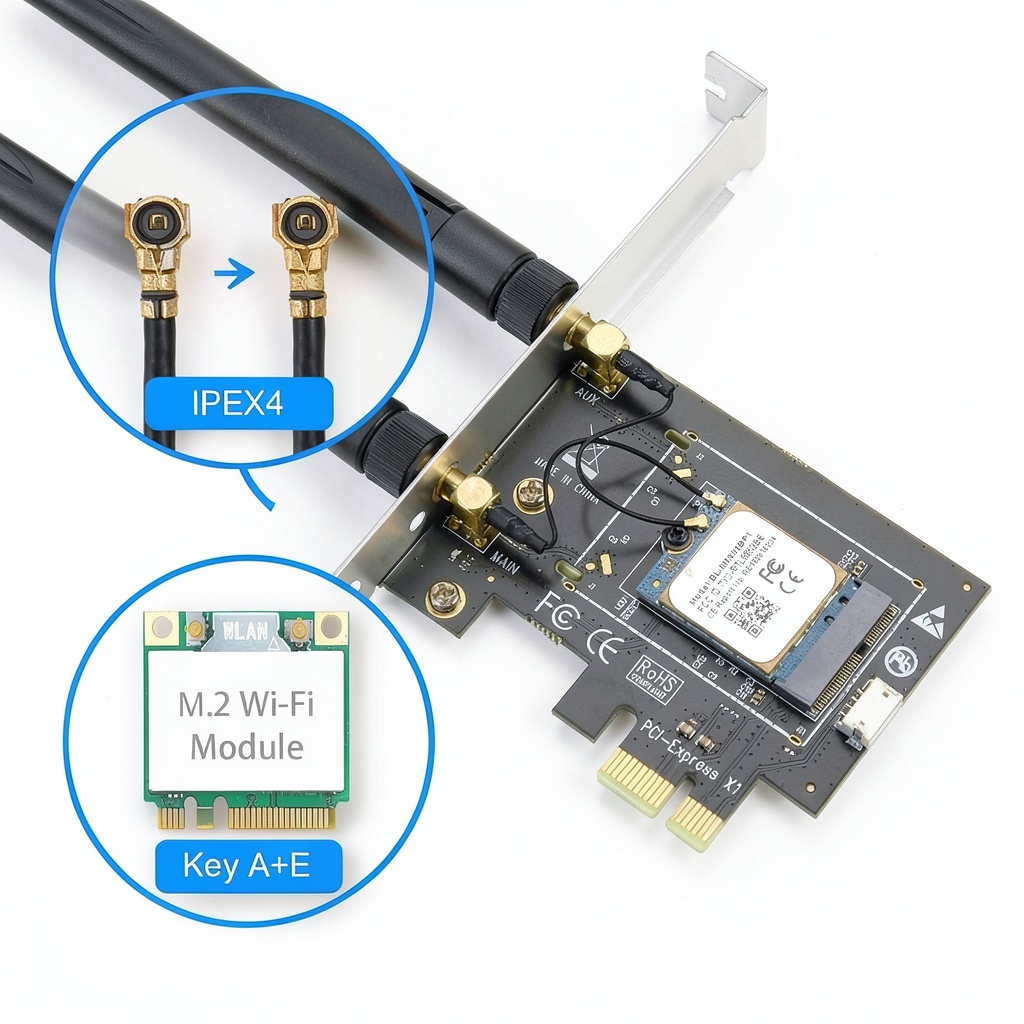
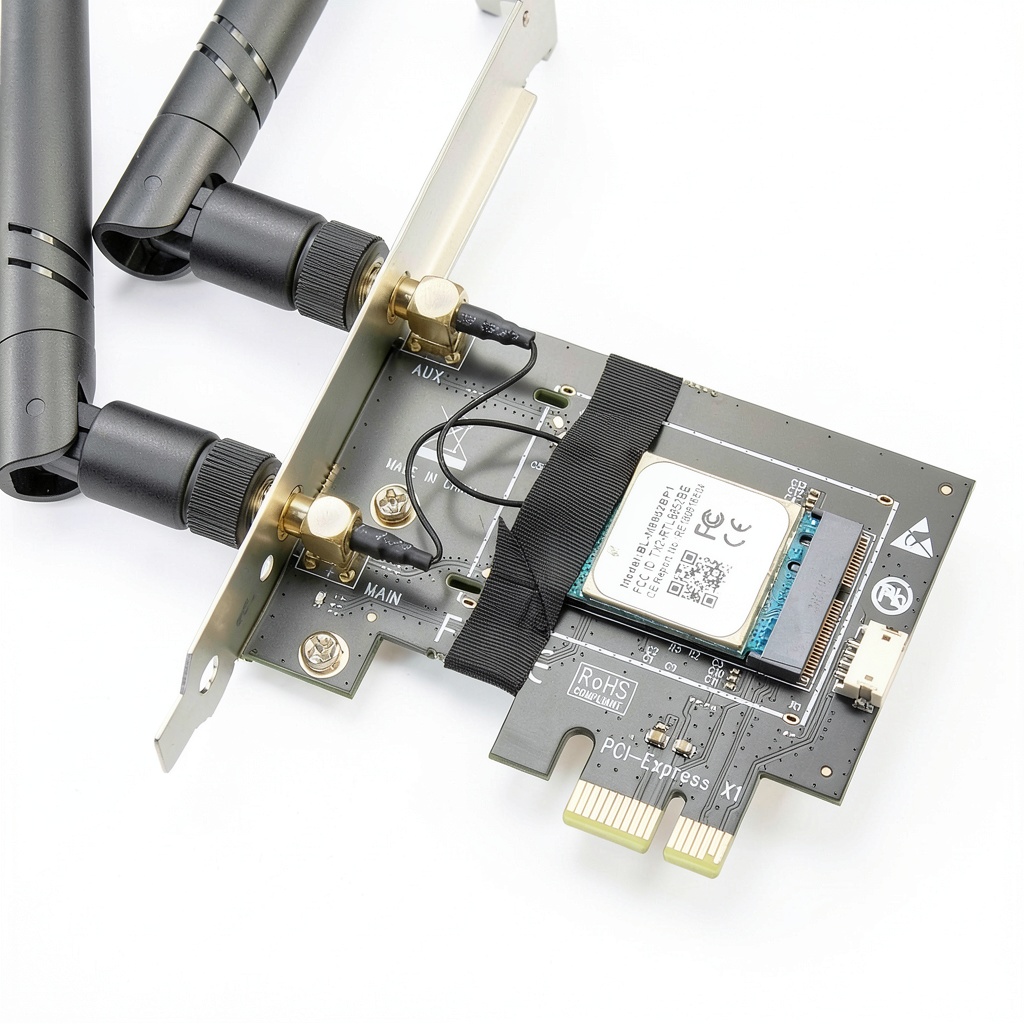
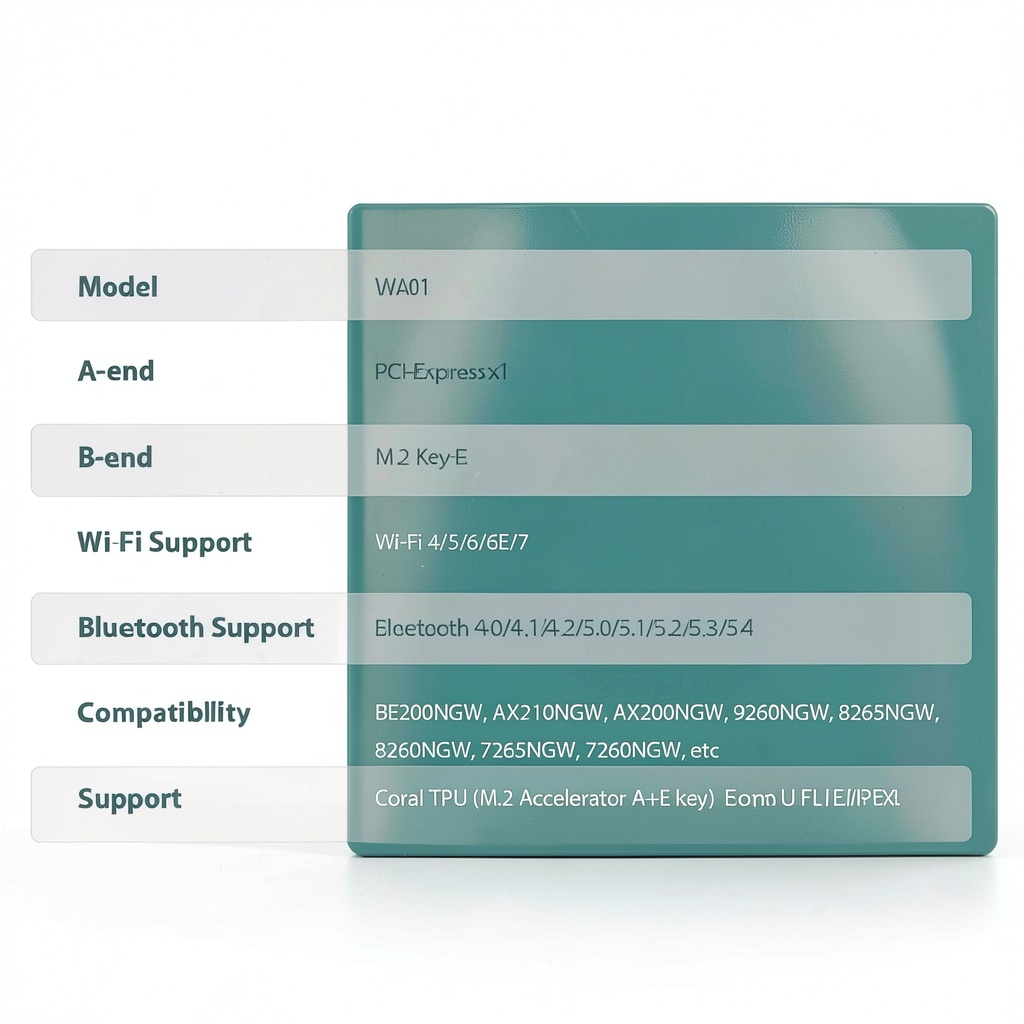
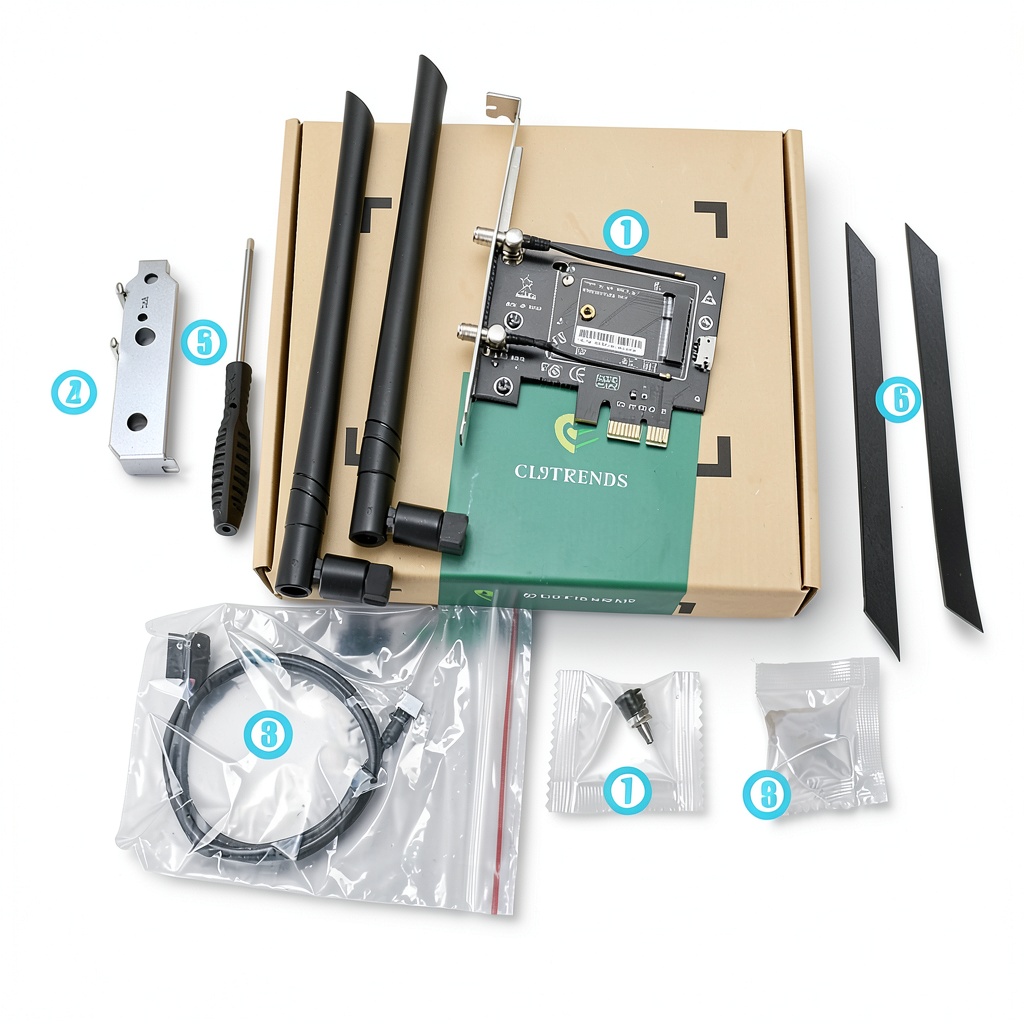
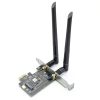
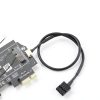
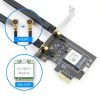
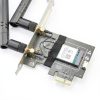
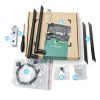
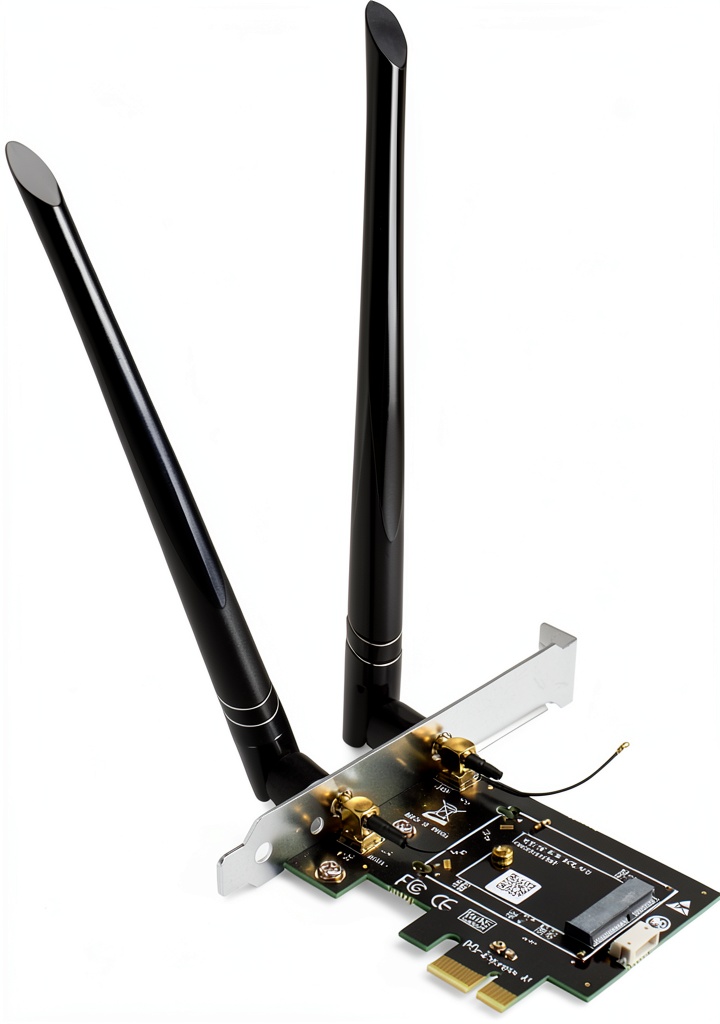
The glotrends M.2 to PCIe WiFi Bluetooth adapter is a compact signal converter that bridges an NGFF M.2 Wi‑Fi module to a PCIe X1 slot. The Wi‑Fi signal travels through the PCIe lane, while Bluetooth is routed via an internal USB connection, requiring a simple USB header hookup. Constructed from a sturdy aluminum chassis, the unit measures 7.17 × 5.94 × 1.14 inches and weighs only 5.3 oz, making it easy to install in tight spaces. It includes a 6 dBi RP‑SMA antenna, two 15 cm U.FL‑to‑RP‑SMA pigtail cables, and pre‑installed brackets for both regular and low‑profile mounting.
Usage
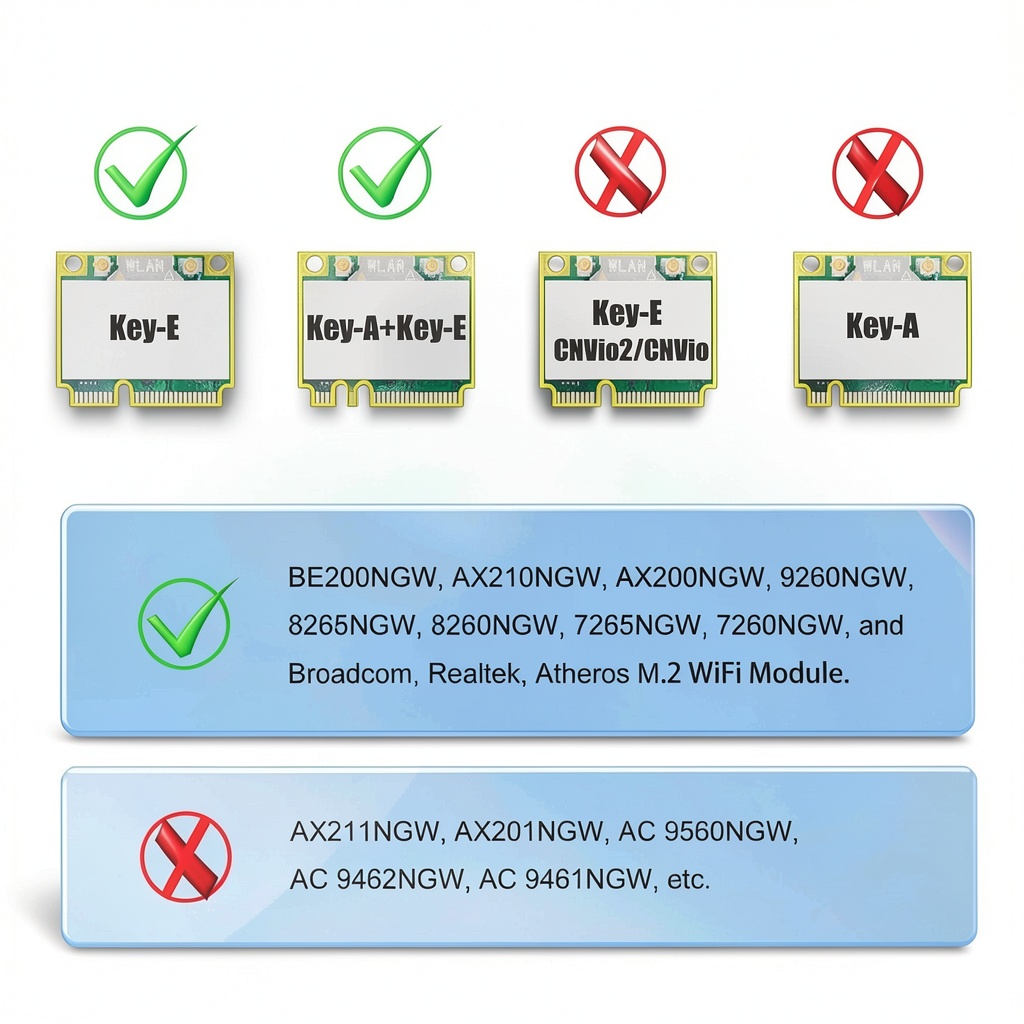
Ideal for desktop PCs, workstations, and hobbyist AI rigs that need high‑performance Wi‑Fi and Bluetooth without sacrificing PCIe lanes. Pair it with compatible modules such as Intel AX210NGW, AX200NGW, or Broadcom 9260NGW to enable Wi‑Fi 6E/7 and Bluetooth 5.0. The adapter works across DOS, Windows, Linux, and macOS, provided the underlying M.2 module has driver support. It is perfect for gamers, developers, and engineers who require reliable wireless connectivity for streaming, cloud development, or edge‑AI devices.
Why Choose Us
glotrends combines precision CNC machining with rigorous quality testing to ensure signal integrity and thermal stability. The adapter is driver‑free; it simply passes the module’s native signals, reducing compatibility issues. Our dedicated support team offers detailed compatibility lists and installation guides, and the product carries a 1‑year warranty for peace of mind.
Key Features
- Seamless M.2 (Key E/A+E) to PCIe X1 conversion with separate USB Bluetooth path
- Triple‑band 2.4 GHz / 5 GHz / 6 GHz antenna kit with 6 dBi RP‑SMA gain
- Supports Wi‑Fi 4/5/6/6E/7 and Bluetooth 4.0‑5.0 for future‑proof connectivity
- Compatible with major module brands: Intel, Broadcom, Realtek, Atheros
- Aluminum housing, low profile brackets, and easy PCIe/USB installation
FAQ
Can this adapter work with Intel AX211NGW modules?
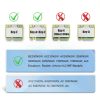
No. The AX211NGW uses a CNVio2 interface, which is not supported by this converter.
Do I need to install drivers for the adapter?
The adapter itself does not require drivers; you only need drivers for the M.2 Wi‑Fi module you install.
Is the Bluetooth function active immediately after installation?
Yes, once the USB cable is connected to a motherboard header, Bluetooth becomes operational without additional software.
Will this work in a mini‑ITX case?
Absolutely. The low‑profile bracket and compact dimensions are designed for small form‑factor builds.
What operating systems are supported?
All major OSes—DOS, Windows, Linux, and macOS—are supported, assuming the M.2 module has compatible drivers.




Reviews
There are no reviews yet.