
Description
Product Overview
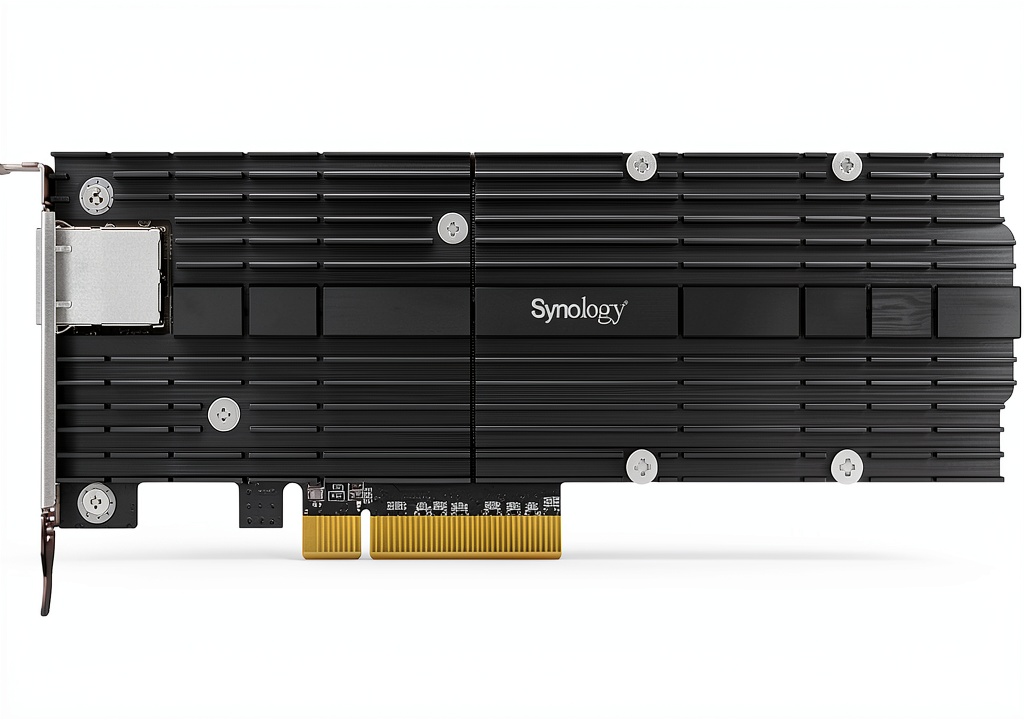
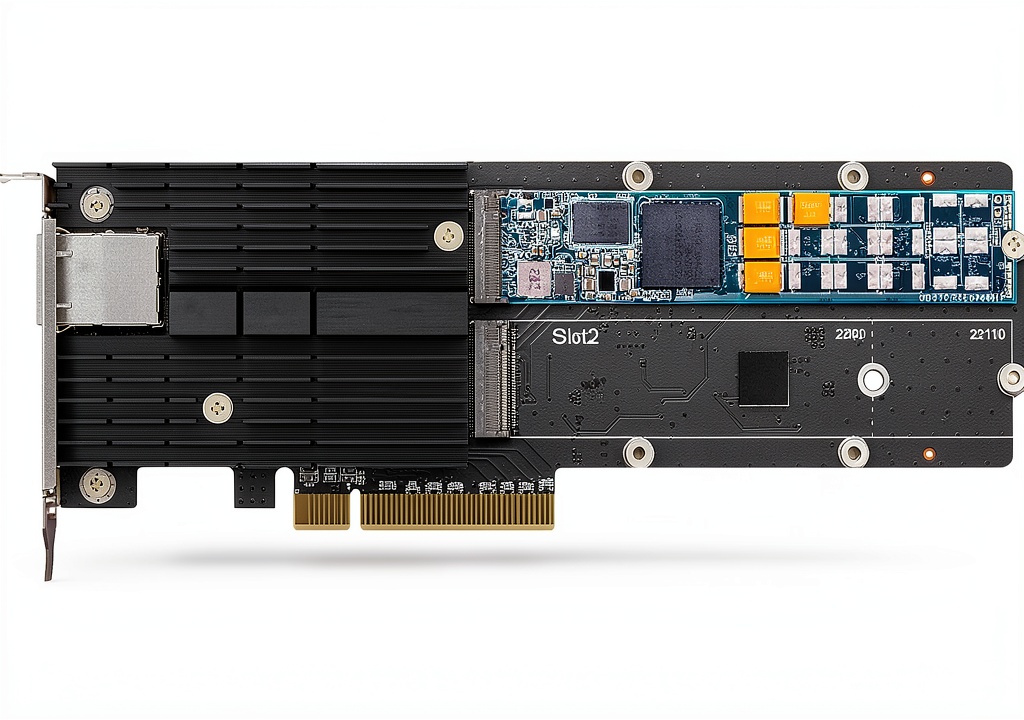
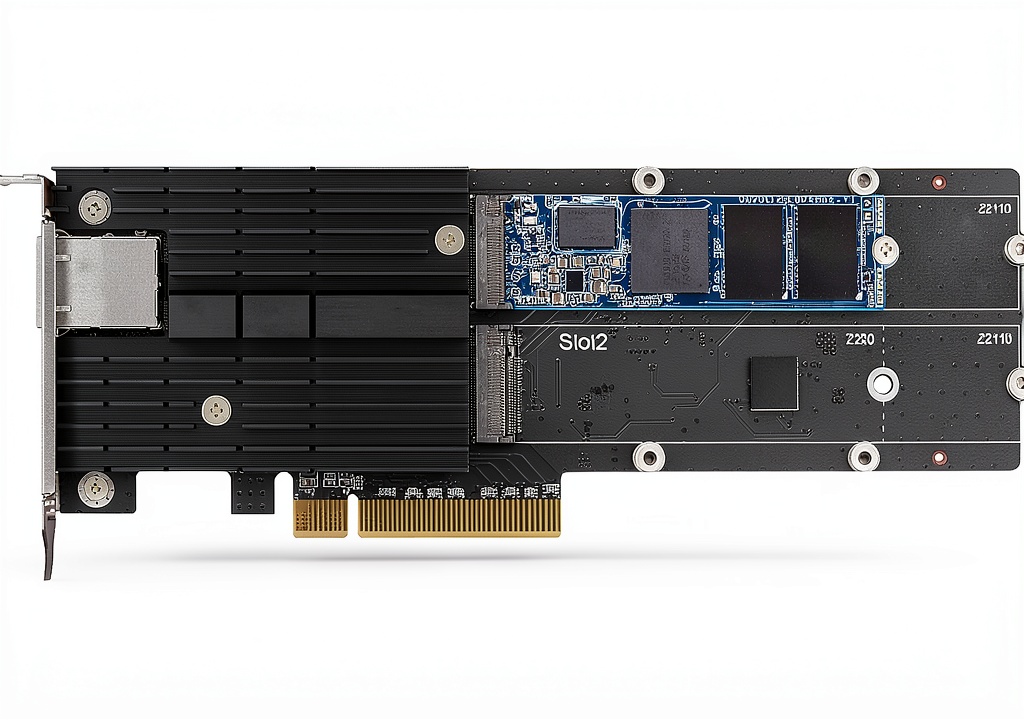
The Synology E10M20‑T1 is a compact internal networking card that combines a high‑performance 10 GbE RJ‑45 interface with two dedicated M.2 2280/22110 NVMe SSD slots. Housed in a low‑profile 7.89 × 2.82 × 0.7 inches metal chassis, it weighs just 12 oz, making it easy to install in most Synology NAS enclosures. The card provides a reliable pathway for both data caching and ultra‑fast Ethernet connectivity, supporting up to 10 Gbps transmission speeds. It is designed for Synology models that list the E10M20‑T1 as a compatible accessory on the official website.
Usage
This adapter is perfect for small‑to‑medium businesses, media production studios, and IT professionals who run virtualization, database, or high‑resolution video workflows on a Synology NAS. Install the card in an available PCIe slot, mount two NVMe SSDs as cache drives, and connect the RJ‑45 port to a 10 GbE switch for low‑latency, high‑throughput network access. 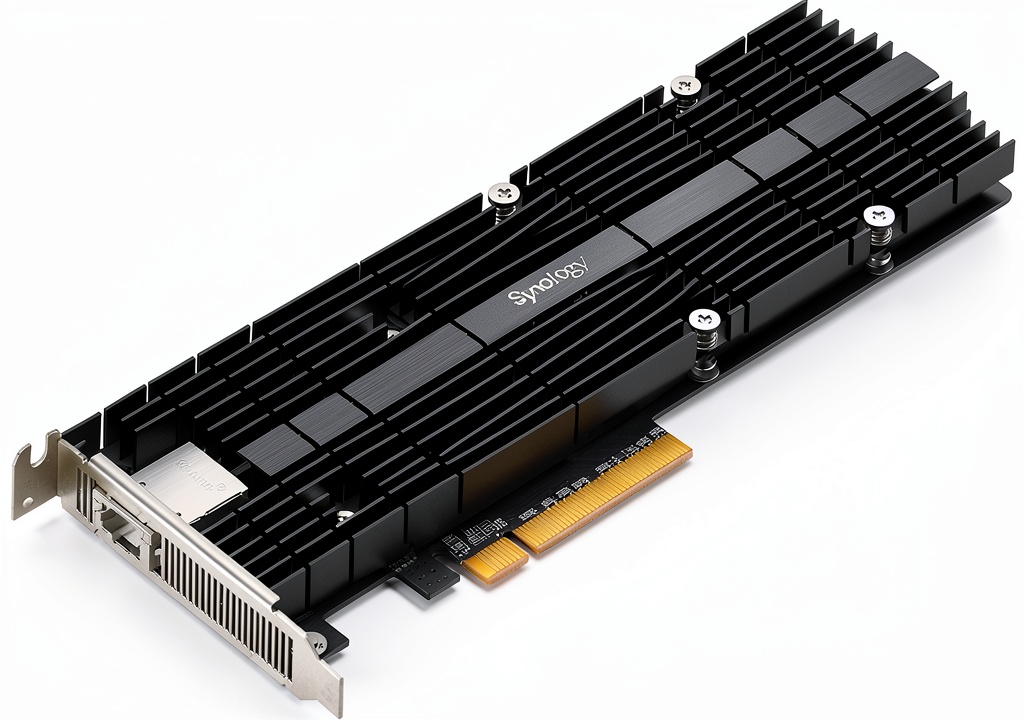
Why Choose Us
Synology’s reputation for reliable, enterprise‑grade storage is reinforced by this adapter’s robust build and seamless firmware integration. The dedicated cache slots free up primary bays for bulk storage, while the 10 GbE interface eliminates bottlenecks in data‑intensive environments. Backed by Synology’s support and a 4.4‑star rating from over 150 customers, the E10M20‑T1 delivers consistent performance and easy scalability.
Key Features
- Dual M.2 2280/22110 NVMe slots for high‑speed cache acceleration
- 10 GbE RJ‑45 port delivering up to 10 Gbps network throughput
- Low‑profile metal design fits tightly in compact NAS chassis
- Seamless integration with Synology DSM for automatic cache management
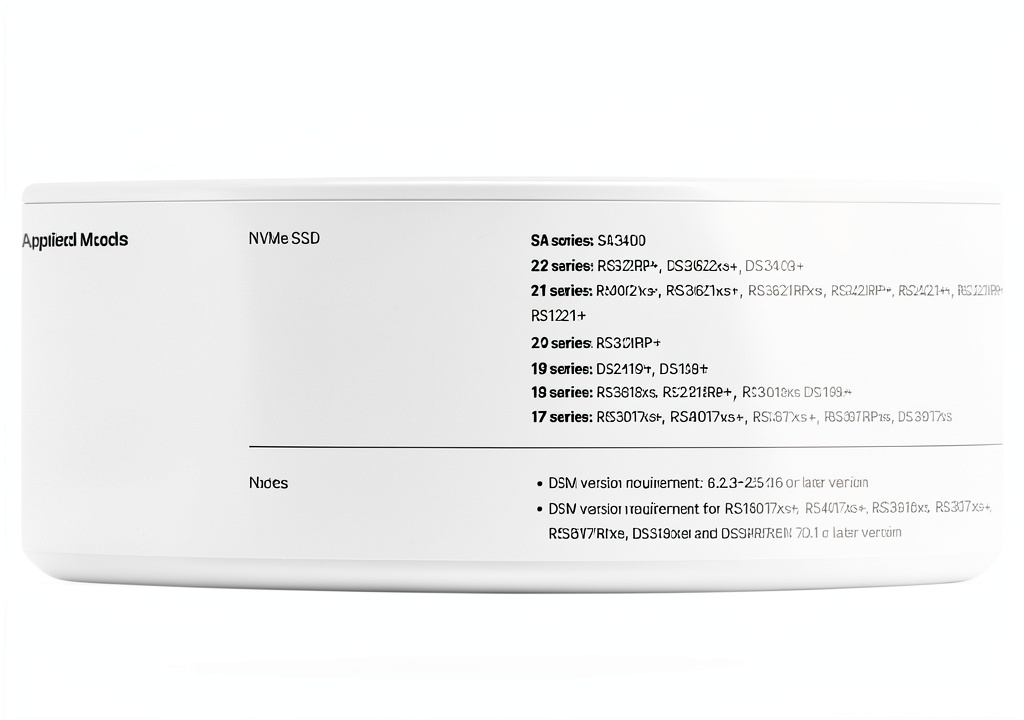
- Compatible with select Synology models – verify on the official website
FAQ
Which Synology NAS models support the E10M20‑T1?
Compatibility varies by model; please consult the Synology compatibility list on their website to ensure your NAS supports this PCIe card.
Do I need to purchase NVMe SSDs separately?
Yes, the adapter provides the slots only. Choose NVMe SSDs that match your performance and capacity requirements.
Can I use the 10 GbE port for regular network traffic?
Absolutely. The port functions as a standard 10 GbE Ethernet interface, allowing you to connect to any 10 GbE‑capable switch or router.
Will installing this card void my warranty?
No. Installing a Synology‑approved accessory does not affect the NAS warranty, provided the installation follows the official guidelines.
How does cache acceleration improve performance?
Cache SSDs store frequently accessed data, reducing read/write latency on the primary HDD/SSD array and speeding up applications such as virtualization, databases, and media streaming.


 LemonRoad Colorful Paper Food Trays Sports Party Snack Bowls
  AX201NGW Wireless Card for Windows 10/11 by MQUPIN
  Stainless Steel Breakfast Tray Enkreefi Silver
Reviews
There are no reviews yet.